3D surface cleanup
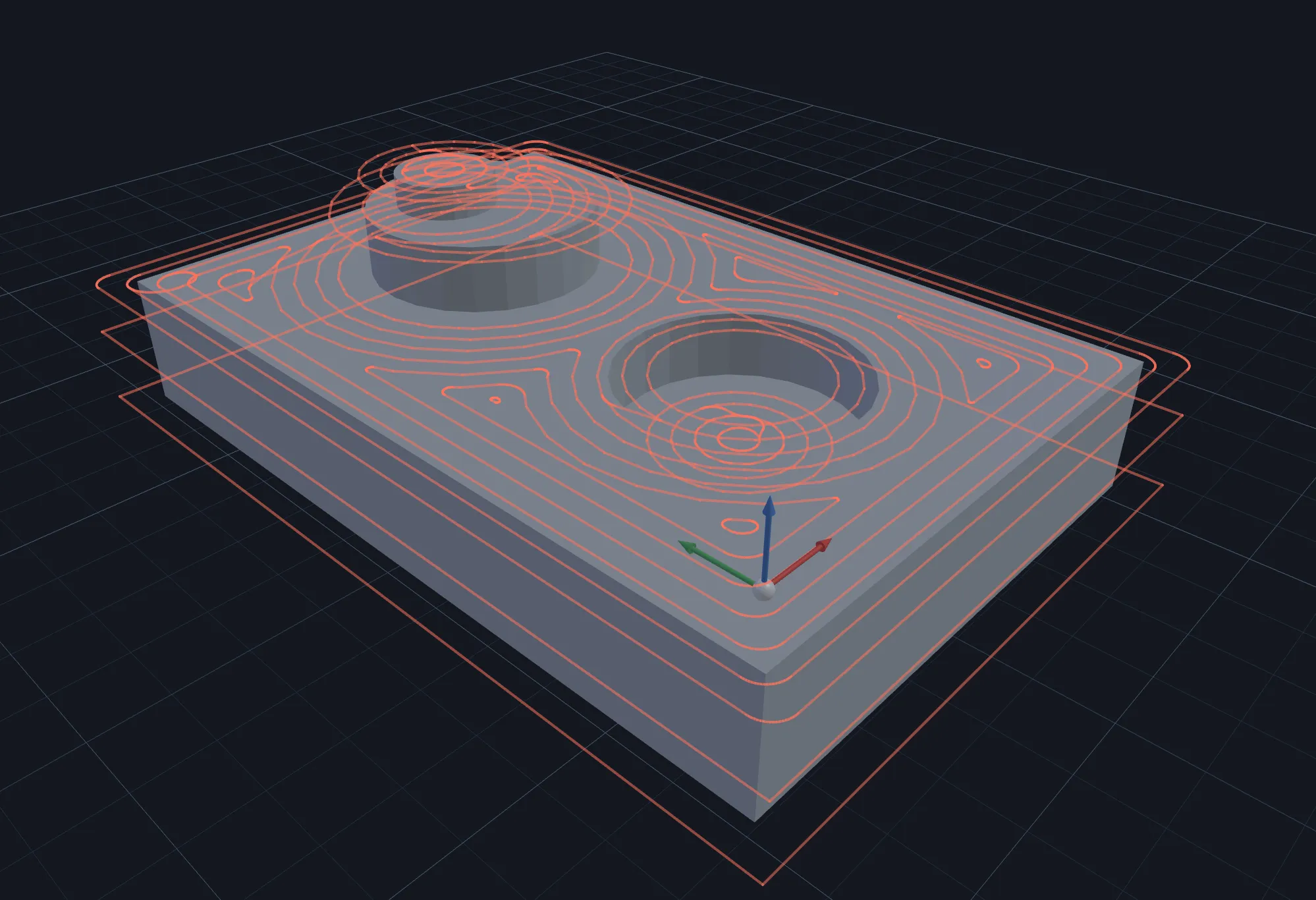
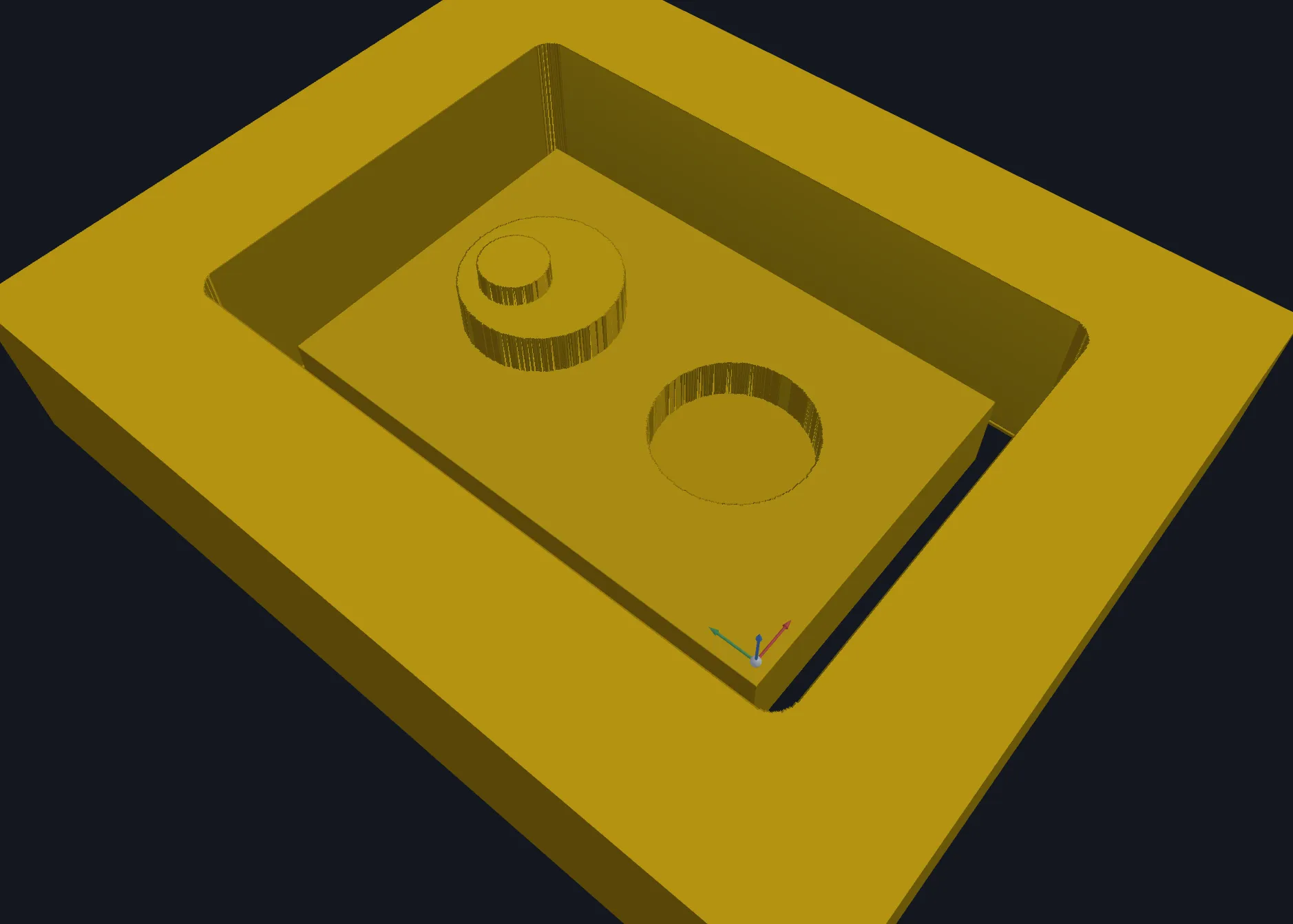
3D surface cleanup clears eligible walls and floors at the deepest retained Z of each step. Use it to clean residual step geometry; it is not a general-purpose replacement for 3D surface finish. Select one or more imported models; several targets are cleaned up together.
Requirements
Section titled “Requirements”| Requirement | Value |
|---|---|
| Target features | One or more 3D model features; regions can limit the cut |
| Tool | Flat or ball endmill |
| Passes | Finish only |
Parameters
Section titled “Parameters”Shared settings are documented in Common operation parameters.
| Parameter | Description |
|---|---|
| Pattern | Chooses Offset, Seeded circles, or Parallel floor coverage. |
| Finish walls | Enables eligible wall cleanup. |
| Finish floor | Enables eligible floor cleanup. |
| Stock to leave | Leaving material changes what a finish pass can reach. |
Strategies
Section titled “Strategies”The floor patterns are covered by Clearing patterns and Seeded-circle clearing. Cleanup does not offer Trochoidal, Waterline, or Constant scallop patterns.
Limitations
Section titled “Limitations”Neighbouring models that are not targeted remain protected from their top down, including levels below their bottom. Cleanup can therefore leave material beside or beneath a neighbour; inspect the remaining walls and floors before changing the target or machining order.
Verifying the result
Section titled “Verifying the result”Confirm independently that the wall and floor passes appear where expected, then inspect the remaining surface in 3D before exporting.
Related pages
Section titled “Related pages”- 3D surface finish: final finish over one or more models.
- Clearing patterns: understand cleanup floor coverage.