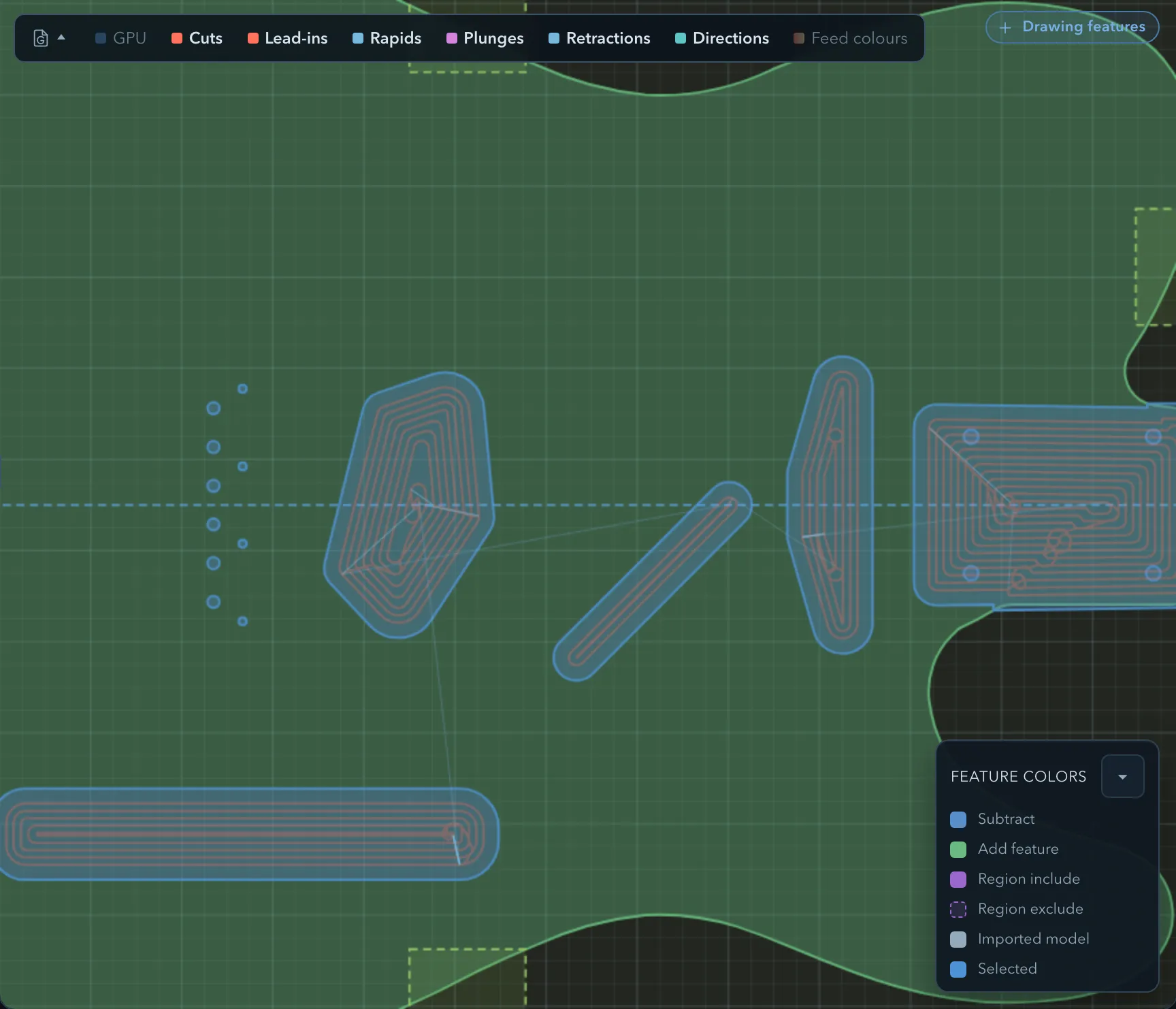
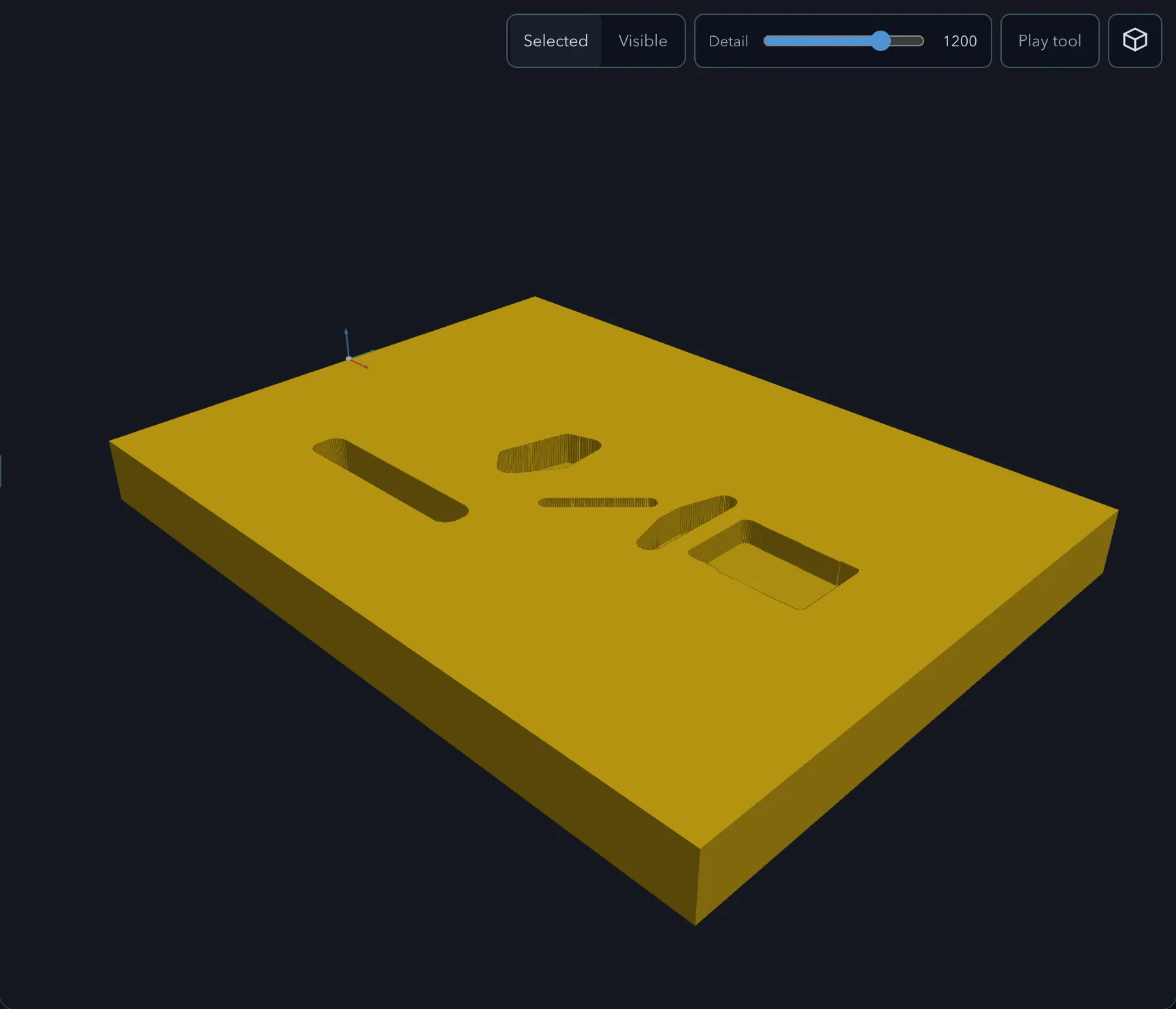
Pocket clears the interior of a closed subtract feature. It can also clear the enclosed counters of an Add outline text feature without expanding the text first. It supports rough and finish passes and four clearing patterns.
Requirements
Section titled “Requirements”| Requirement | Value |
|---|---|
| Target features | Subtract features, or Add outline text with subtract counters |
| Profile | Closed |
| Tool | Flat or ball endmill |
Parameters
Section titled “Parameters”Select the operation in the operations list to edit its parameters in the right panel. Selecting an operation also highlights its target features on the canvas and in the feature tree, so you can see exactly which geometry it will cut before you adjust anything.
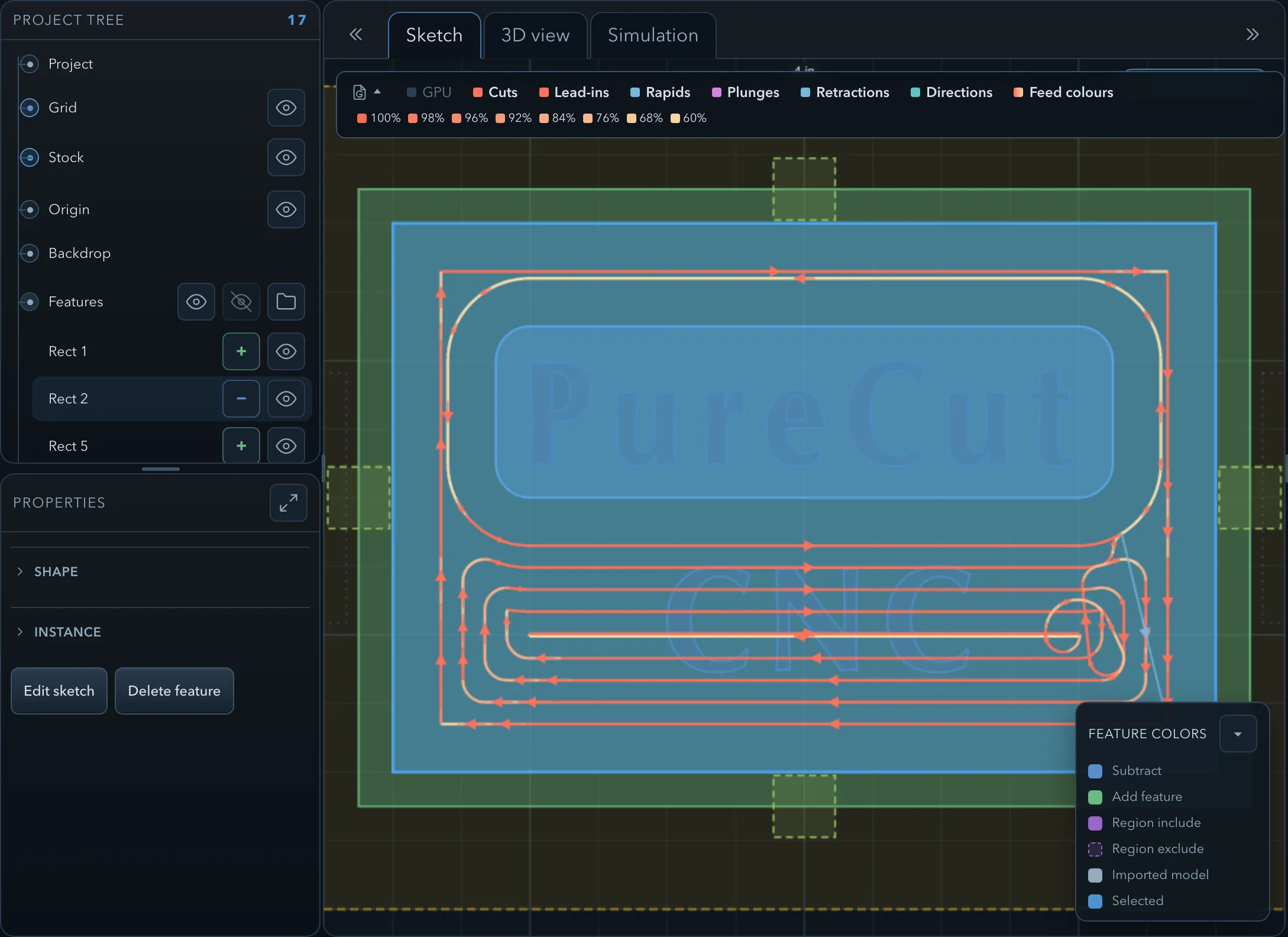
The settings shared with other operations are documented in Common operation parameters.
Pocket parameters
Section titled “Pocket parameters”| Parameter | Description |
|---|---|
| Pattern | How the area is cleared. See Strategies. |
| Angle | The angle of parallel passes in degrees (Parallel pattern only). |
| Cut Direction | Conventional or Climb milling. |
| Stepdown | Depth per pass. |
| Stepover Ratio | Lateral step between passes as a fraction of tool diameter. |
| Stock To Leave Radial | Material left on walls for a subsequent finish pass. |
| Stock To Leave Axial | Material left on the floor for a subsequent finish pass. |
| Finish Walls | (Finish pass only) Whether to machine the walls to final dimension. |
| Finish Floor | (Finish pass only) Whether to machine the floor to final dimension. |
| Feed Reduction | Slots only applies the configured Slot Feed percentage (60% by default) to full-width cutting stretches. Engagement chooses a bounded feed scale from the cutter’s actual engagement on the emitted path. Both modes only reduce the programmed feed. |
| Round Outside Corners | Rounds eligible outside contour corners on offset clearing rings for a smoother cut path. |
| Round Link Junctions | (Offset and Seeded circles) Replaces an eligible sharp ring-to-ring transition with a tangent arc-line-arc link where it fits. |
| Clean Wall Corners | Recovers material that rounded offset rings leave in reachable wall corners. |
| Corner Relief | Cuts an extra relief at each inside corner so a square-cornered mating part will seat. |
| Entry Strategy | Under Entry & retract: Plunge, Helix, or Ramp. |
Offset-pattern passes simplify their internal polylines back into arcs and full circles where the geometry allows, which gives shorter, smoother G-code with fewer line segments — especially on circular and rounded-corner pockets.
Non-target subtract features that connect to the target can extend the material removed at their own depth. Inspect the bands and depth warnings when nearby subtract features overlap or meet the selected pocket.
Strategies
Section titled “Strategies”Pocket offers four clearing patterns, chosen with Pattern:
| Pattern | Documented in |
|---|---|
| Offset | Clearing patterns |
| Seeded circles | Seeded-circle clearing |
| Parallel | Clearing patterns |
| Trochoidal | Trochoidal cutting |
It also supports entry and exit moves, corner rounding and relief, linking clearing passes, feed reduction, and rest machining.
Verifying the result
Section titled “Verifying the result”Related pages
Section titled “Related pages”- Tool library — tool defaults that fill these parameters.
- Quick Start — a first Pocket Rough operation, step by step.