Trochoidal cutting
How it works
Section titled “How it works”Trochoidal cutting advances a series of overlapping cutter orbits instead of taking one wide bite. It can reduce peak engagement in tight material, but produces a longer, denser toolpath than a simple offset or parallel pass.
Where it applies
Section titled “Where it applies”| Operation | Where to find it |
|---|---|
| Strategy > Pattern | |
| Surface clean | Strategy > Pattern |
| 3D surface rough | Strategy > Pattern |
| Inside edge route | Strategy > Strategy (rough pass) |
| Outside edge route | Strategy > Strategy (rough pass) |
| Engrave | Strategy > Strategy |
Settings
Section titled “Settings”| Setting | Description |
|---|---|
| Cut width | Sets the width of the orbiting channel. |
| Advance | Sets forward progress between orbit centres. |
| Stepover ratio | For trochoidal pockets, spaces coverage rings as a fraction of the cut-width channel, not the tool diameter; the resolved ring pitch appears beside the setting. |
| Channel width | Shows the available widened slot for trochoidal Engrave. |
Clearing
Section titled “Clearing”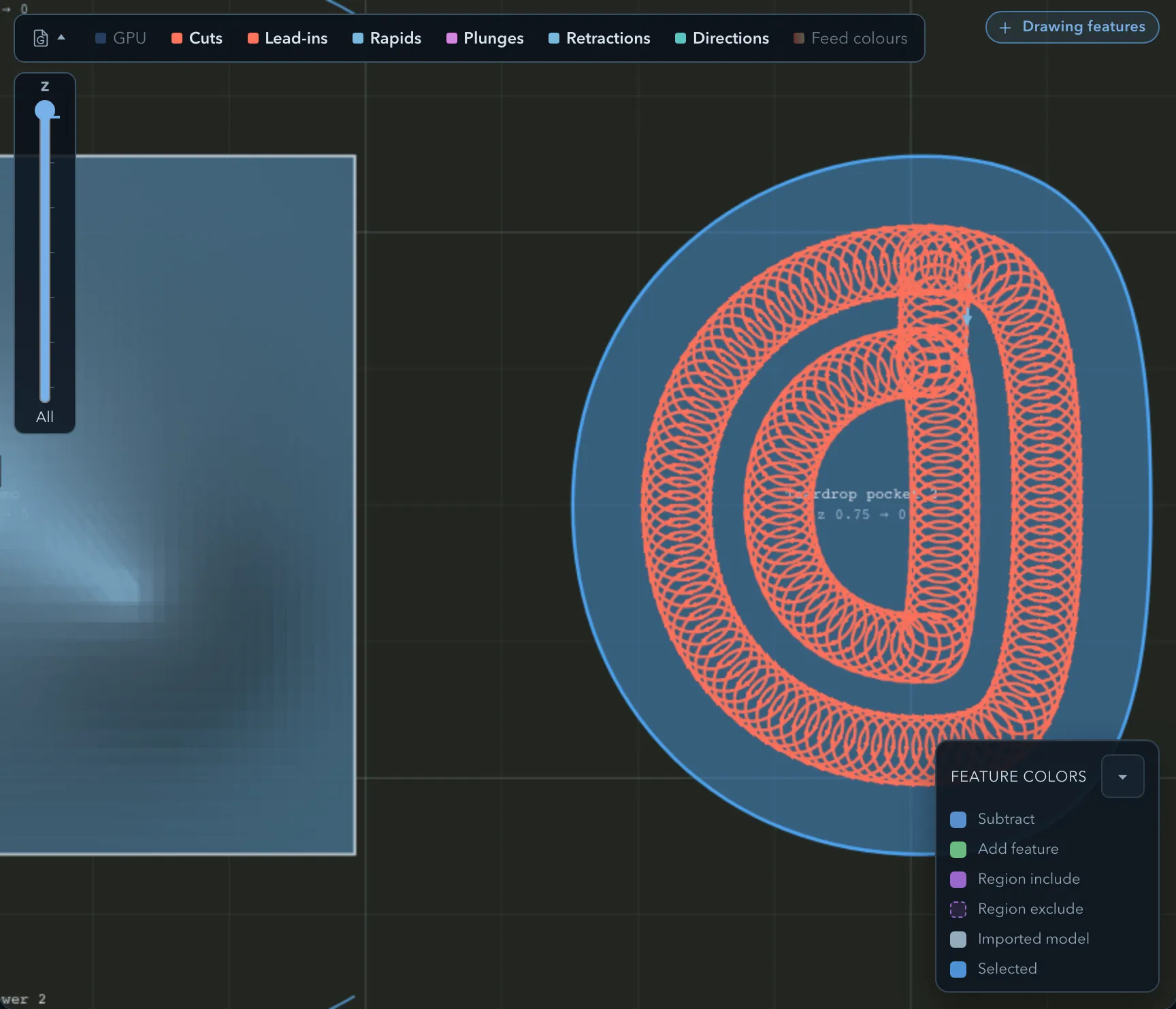
For pocket, surface-clean, and 3D-rough operations, Cut width controls the orbiting channel width and Advance controls forward progress between orbits. Ring links join coverage where possible; narrow or tight areas can force fallback behaviour. A finish-floor orbit rule preserves the intended floor coverage when a finish pass is enabled.
Edge routes
Section titled “Edge routes”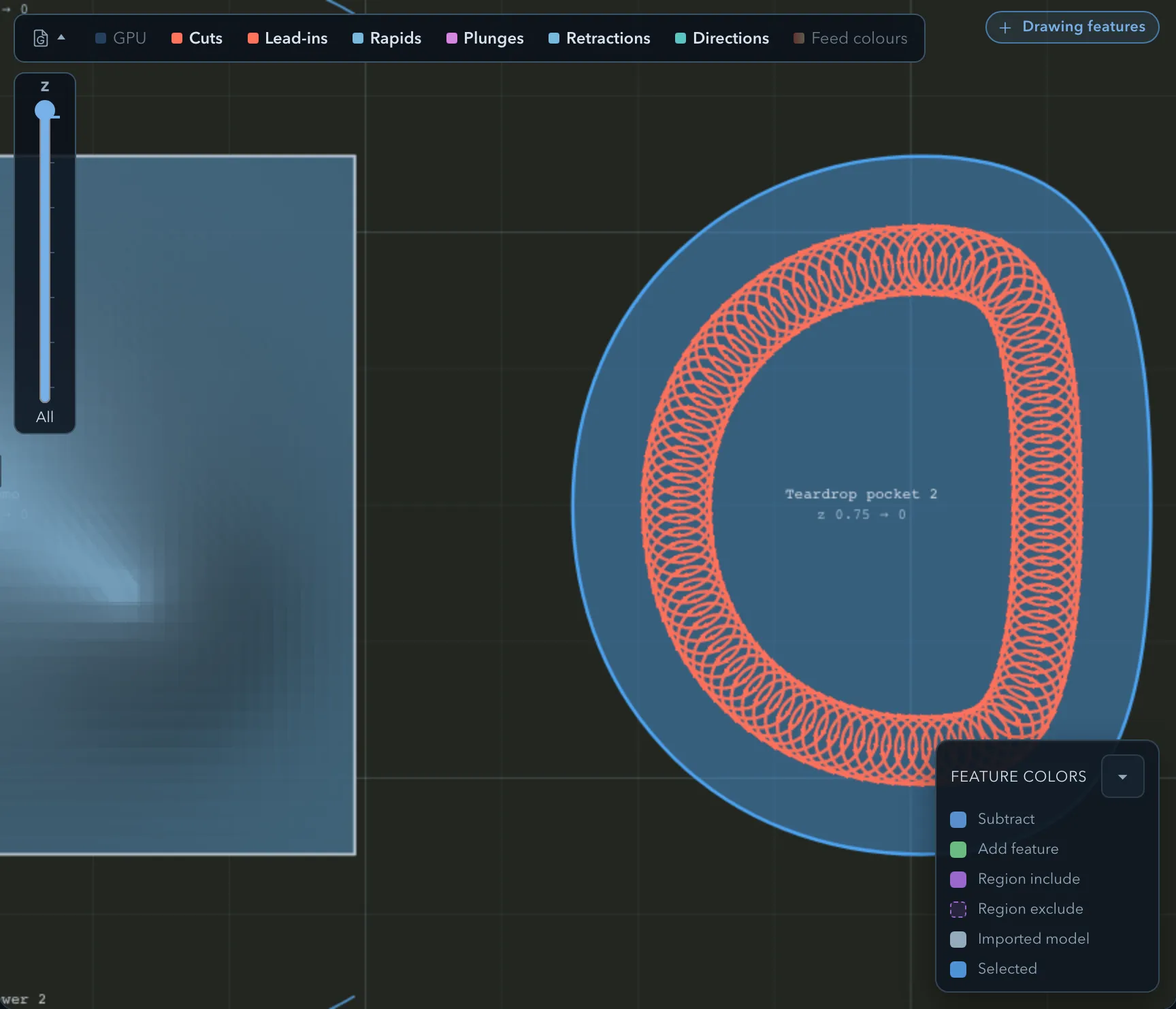
For a rough edge route, Trochoidal widens its orbits toward the wall. Check the generated path for tabs and warnings: a degenerate guide, an invalid guide, or the move budget can prevent the expected path from being emitted.
For Engrave, the trochoidal strategy widens a line into a channel. The available channel width is shown with the strategy controls; use a tool and width that leave enough material for the orbit.
Limitations
Section titled “Limitations”Related pages
Section titled “Related pages”- Entry and exit moves: control supported Z entries and XY approaches.
- Feed reduction: reduce feed on difficult engagement.