Edge route inside
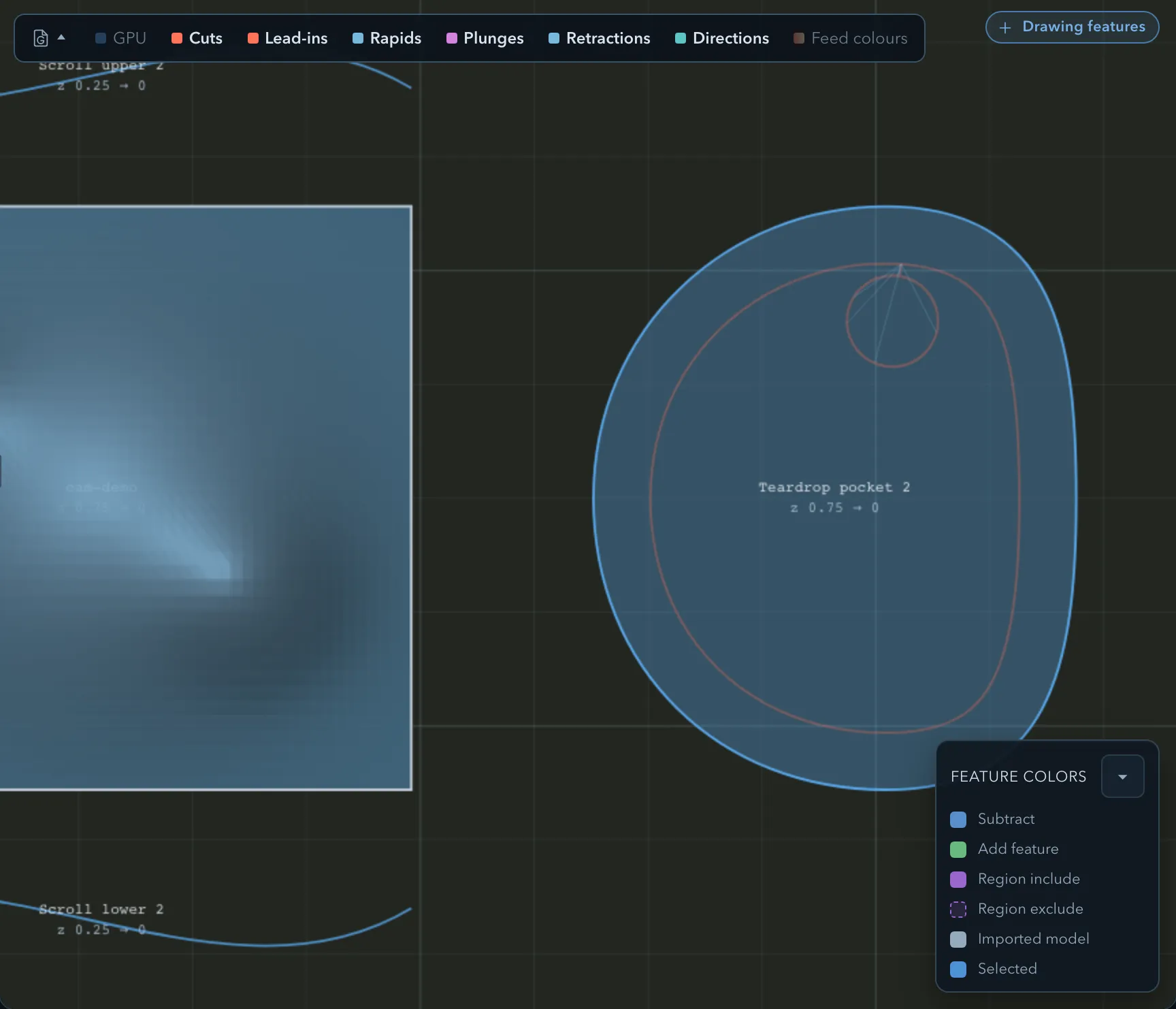
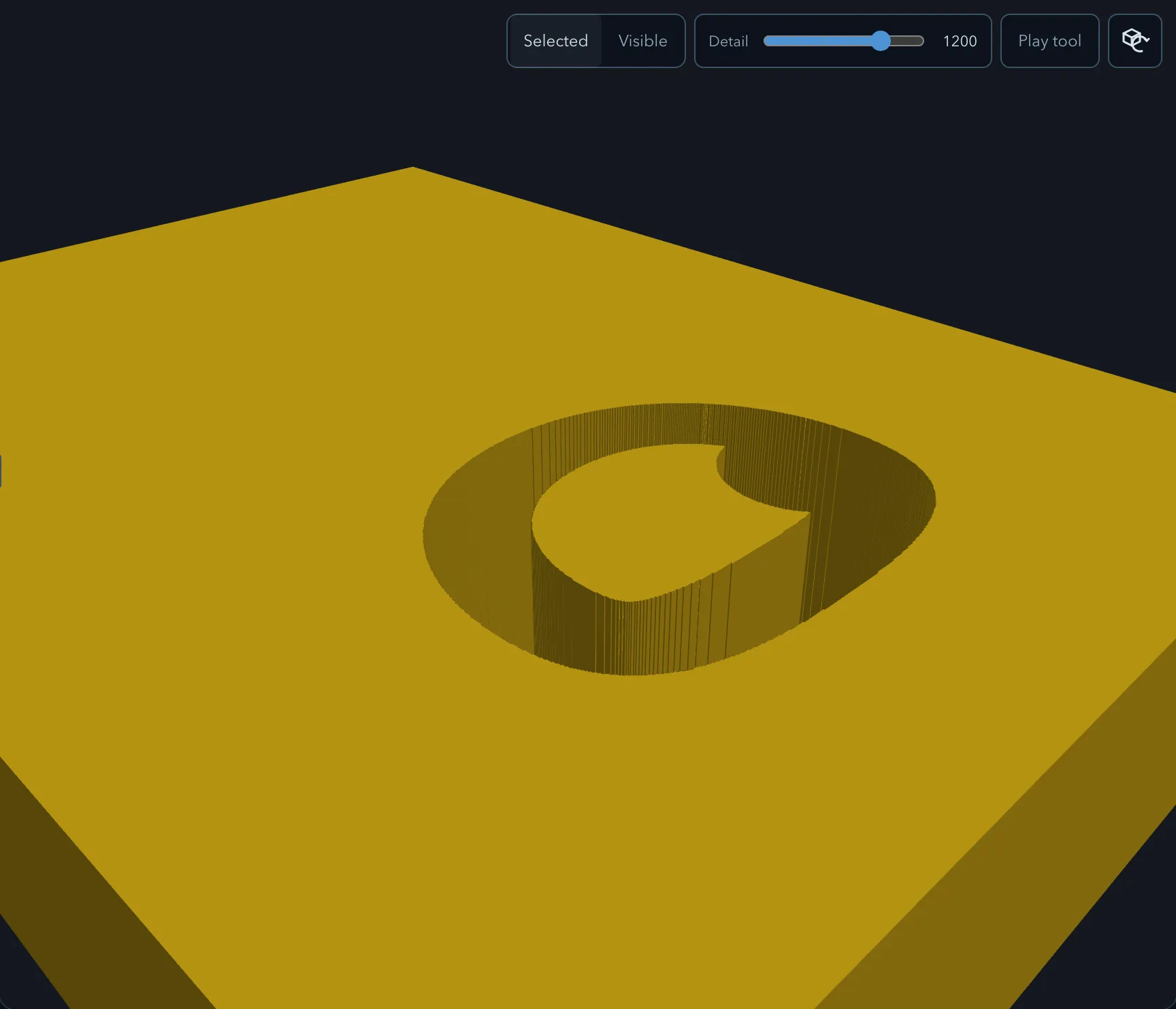
Edge route inside follows the inside edge of a closed subtract profile, offset by the tool radius. It can also follow the subtract counters inside an Add outline text feature without expanding the text. Use it for a precise internal contour or opening when a Pocket would remove unnecessary material.
Requirements
Section titled “Requirements”| Requirement | Value |
|---|---|
| Target features | Closed subtract features, or Add outline text with enclosed subtract counters; regions are supported by contour routing only |
| Tool | Flat or ball endmill |
| Passes | Rough or Finish |
Parameters
Section titled “Parameters”Shared settings are documented in Common operation parameters.
| Parameter | Description |
|---|---|
| Strategy | Uses a contour, or a Trochoidal rough pass that leaves stock for contour finishing. |
| Stock to leave radial | Reserves wall material for the finish contour. |
| Tabs | Associates a tab set where the contour needs to retain material. |
| Rest machining | Creates a follow-up operation for material the current tool cannot reach. |
| XY approach & exit | Is available only when its entry and target conditions are compatible. |
Strategies
Section titled “Strategies”Rough passes can use Contour or Trochoidal routing. Finish passes always use a contour. XY approach and exit needs a ramped entry on a contour route; it is unavailable for a trochoidal rough edge route or when a region filters the target. See Trochoidal cutting and Entry and exit moves.
Limitations
Section titled “Limitations”An Add text feature without counters, such as L, has no inside subtract contour to route and is refused. See Machining text for the text-specific target rule.
Verifying the result
Section titled “Verifying the result”Inspect the offset side, entry, tab bridges, and any remaining wall stock in the toolpath preview.
Related pages
Section titled “Related pages”- Edge route outside: route an external add or model contour.
- Tabs: hold a routed part in the stock.