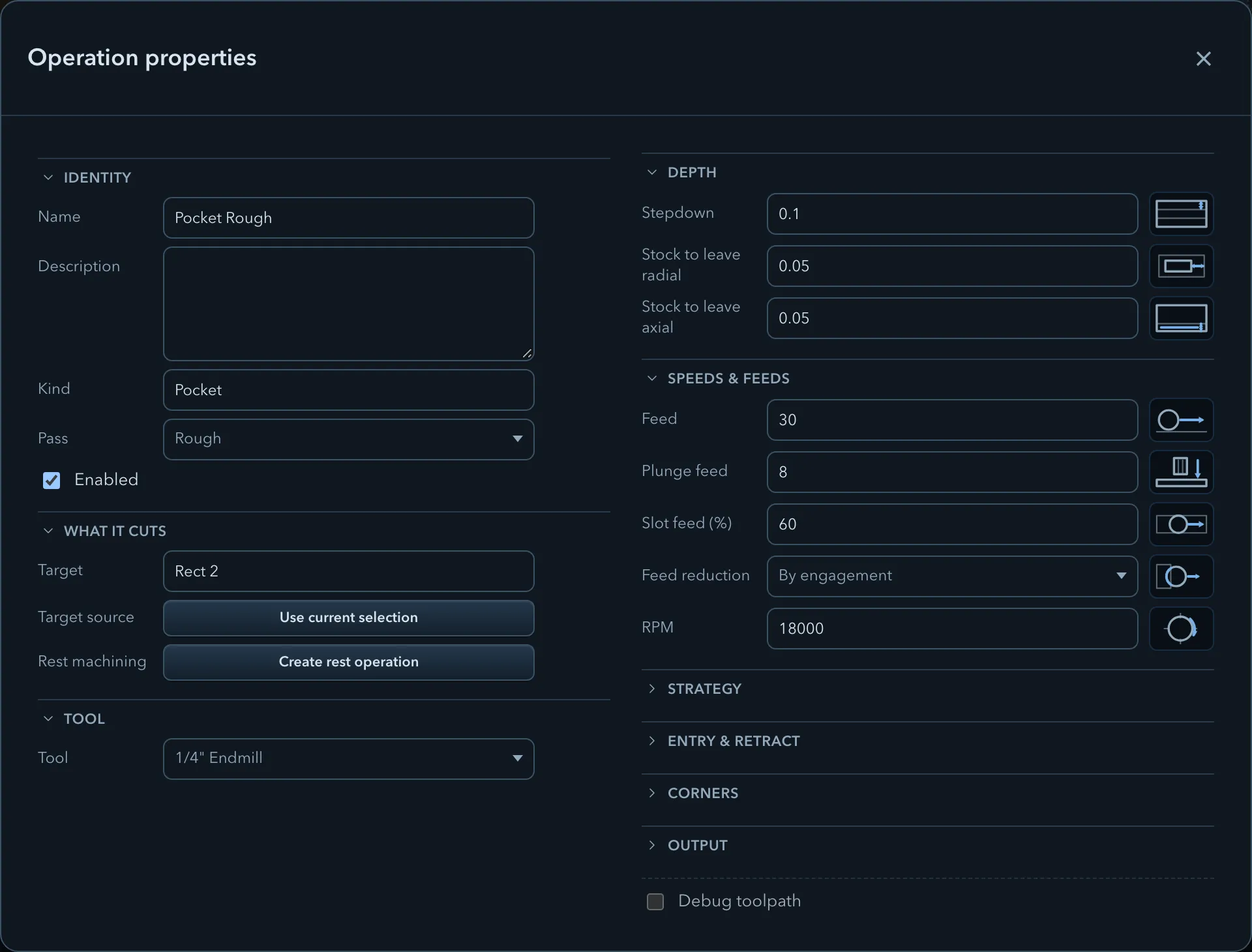
Operation properties are grouped by what they control. A group appears only when it applies to the selected operation, so use the operation’s own page for kind-specific settings and strategies.
Expanding the properties shows every parameter group at once. Which groups appear depends on the operation.
This group holds controls that only apply to a selected strategy, such as a trochoidal cut width
and advance. A 3D finish operation can also place its advanced finishing controls here.
The Corners group appears for compatible clearing and edge-route operations. It can expose
corner rounding, rounded ring links, wall-corner cleanup, and corner relief; their availability
also depends on the selected pattern and pass.
Only Drill shows this group. It contains Drill type and the settings required by the
chosen cycle, such as Peck depth, Dwell time, or Countersink diameter.