Engrave
Engrave follows an open or closed sketch path at a fixed carve depth. Choose Direct for text, marks, and decorative lines; choose Trochoidal to cut a wider functional slot.
Requirements
Section titled “Requirements”| Requirement | Value |
|---|---|
| Target features | Open or closed machinable paths; optional closed regions filter the cut |
| Tool | Compatible cutting tool |
| Passes | Single pass |
The path is the machining target. A closed region can filter where it is engraved, but the region itself is not an engraving target.
Parameters
Section titled “Parameters”Shared settings are documented in Common operation parameters.
| Parameter | Description |
|---|---|
| Carve depth | Sets the fixed depth of the path. Stepdown applies when this exceeds a safe per-pass depth. |
| Strategy | Chooses Direct centerline cutting or Trochoidal slot cutting. |
| Trochoidal cut width and Trochoidal advance | Control the channel and orbit spacing for a trochoidal slot. |
Strategies
Section titled “Strategies”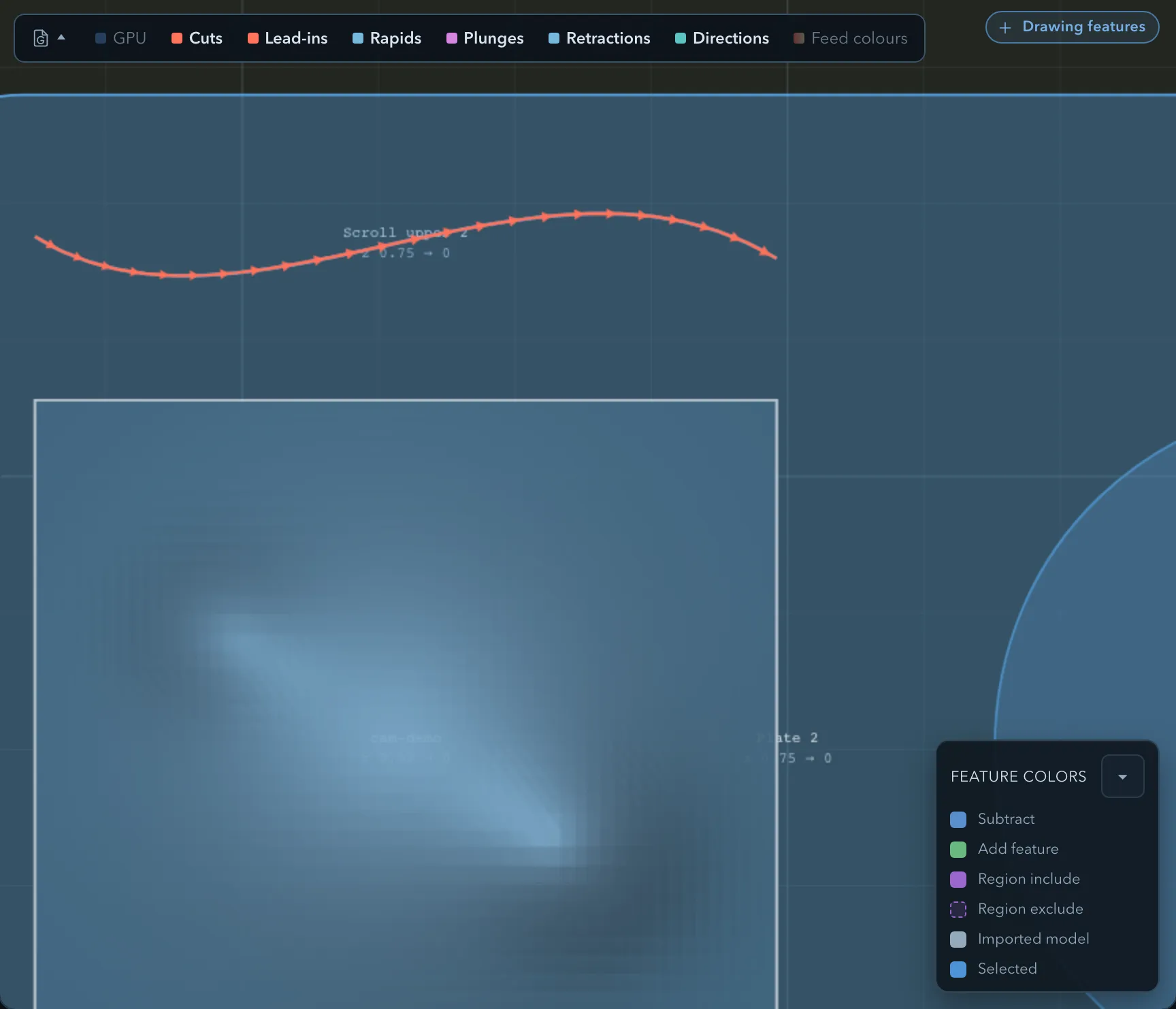
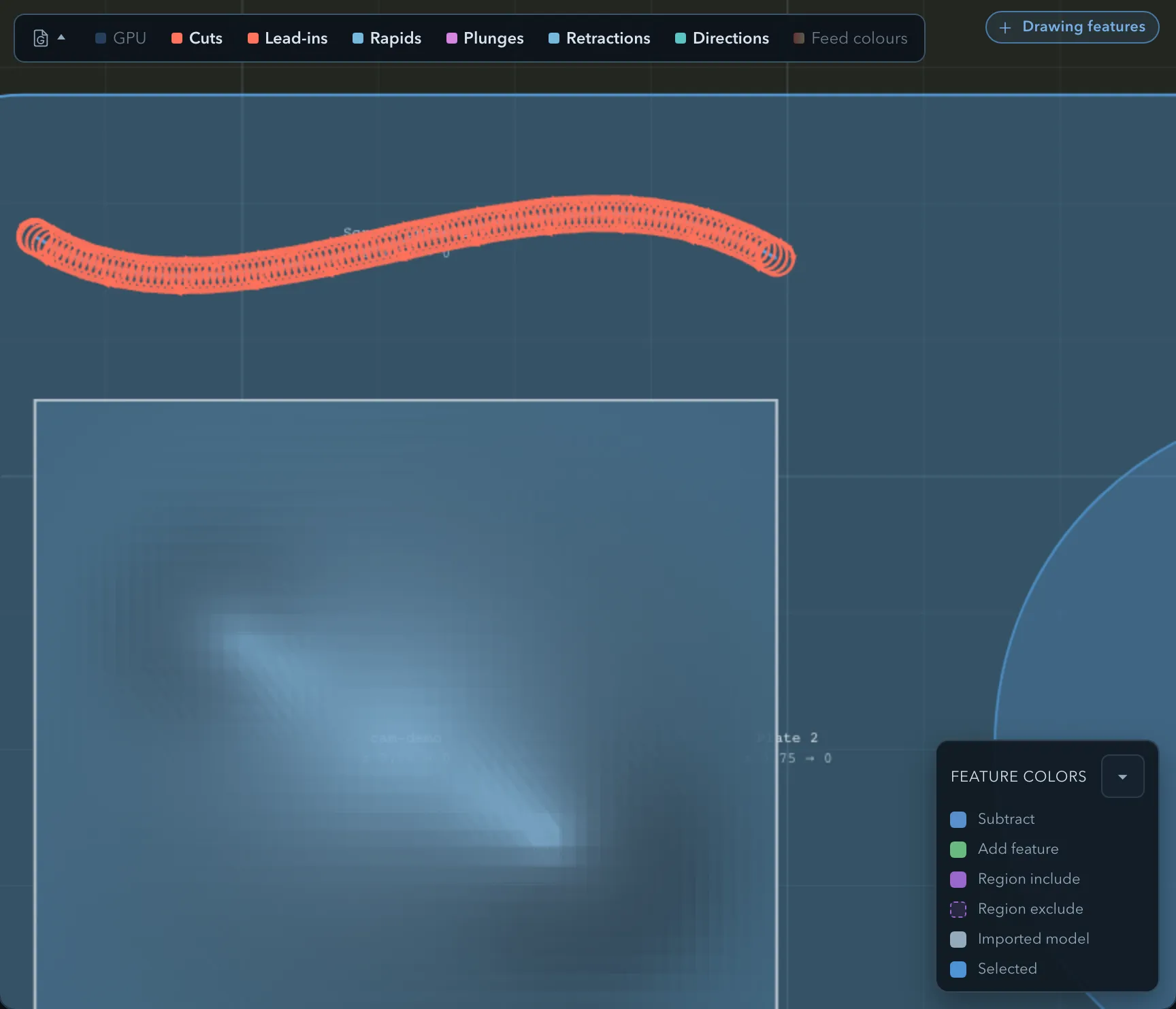
See Trochoidal cutting for the wider-slot strategy.
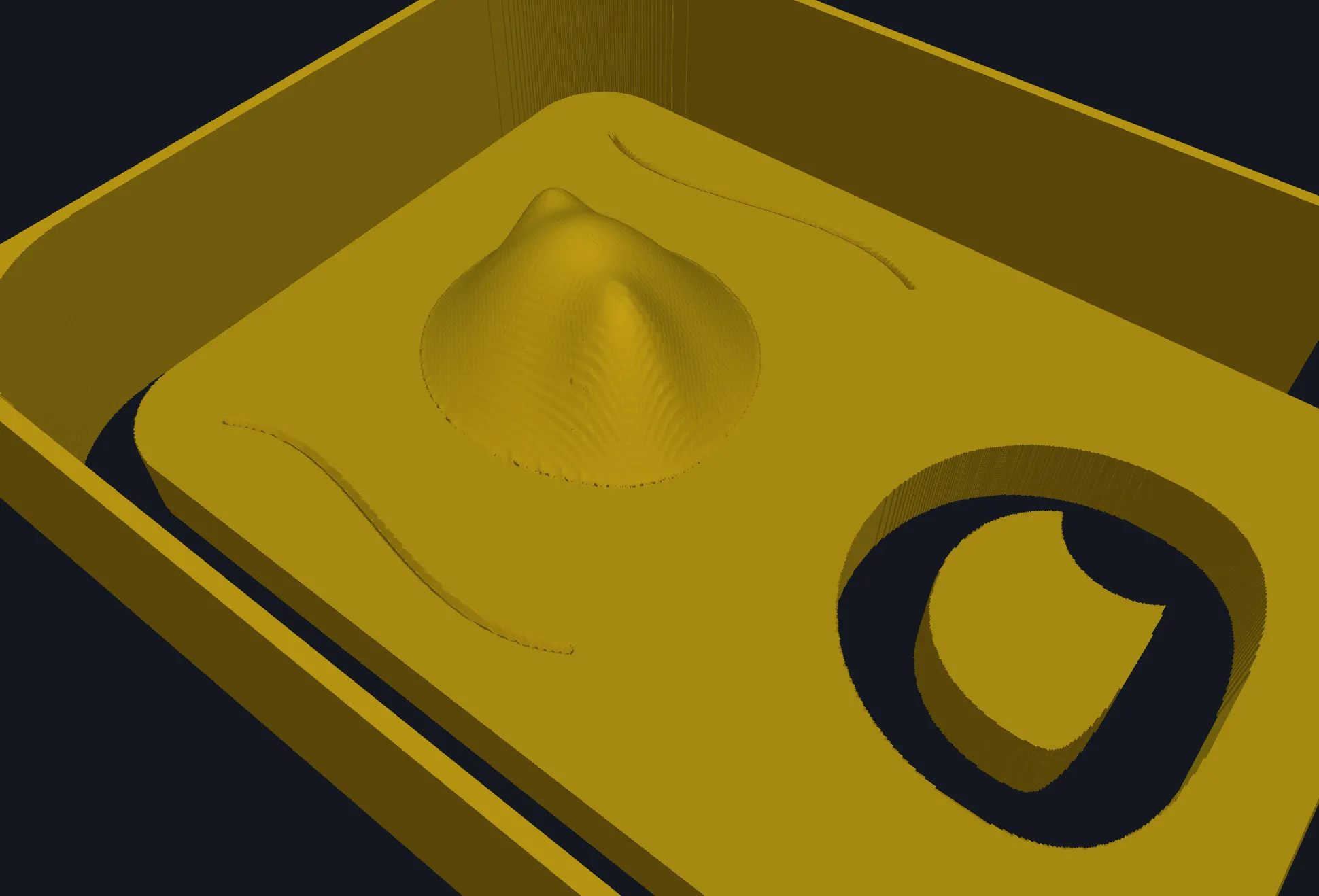
Verifying the result
Section titled “Verifying the result”Related pages
Section titled “Related pages”- V-carve offset: carve closed geometry with a V-bit.
- Common operation parameters: shared feeds and entry settings.