Surface clean
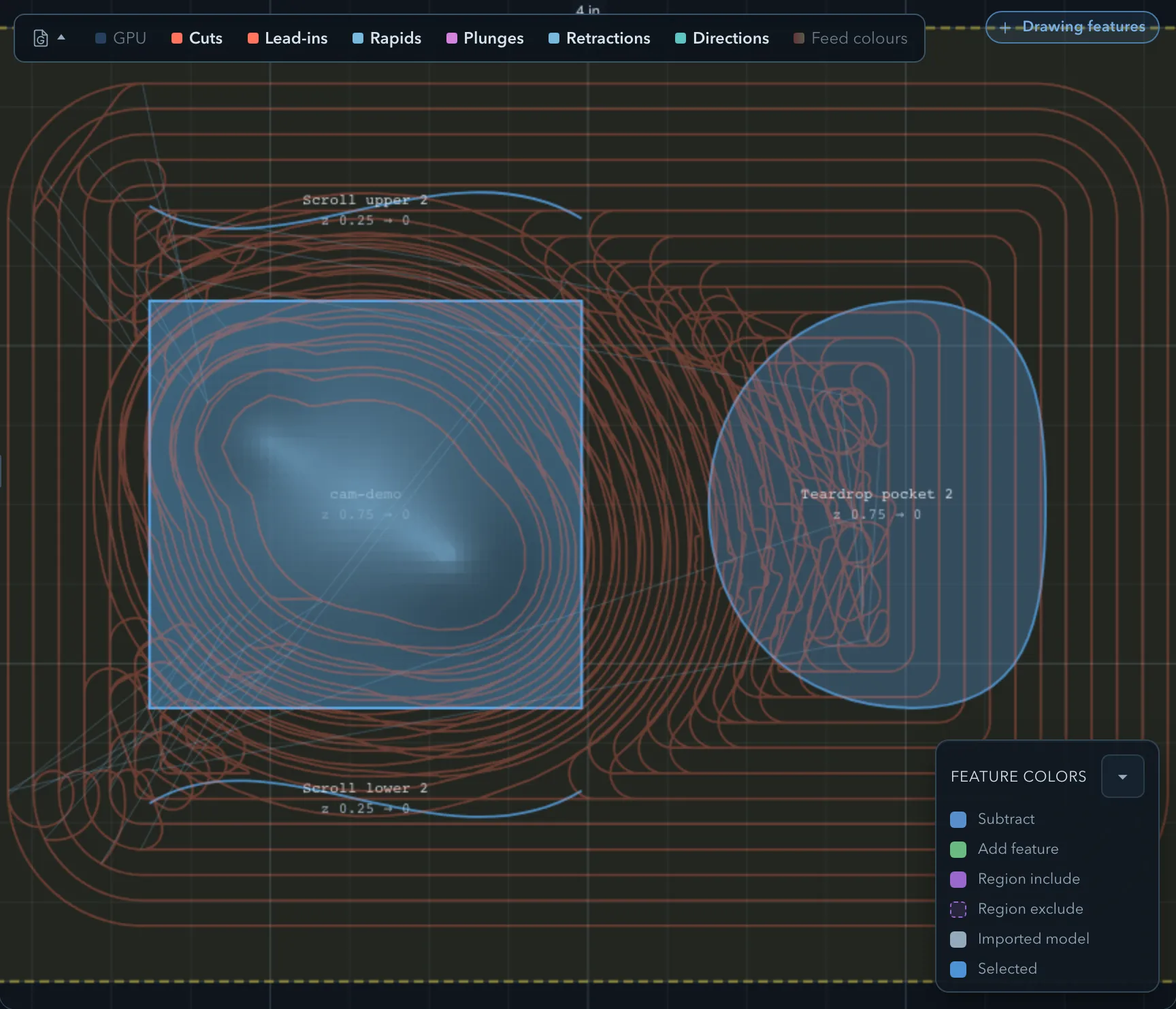
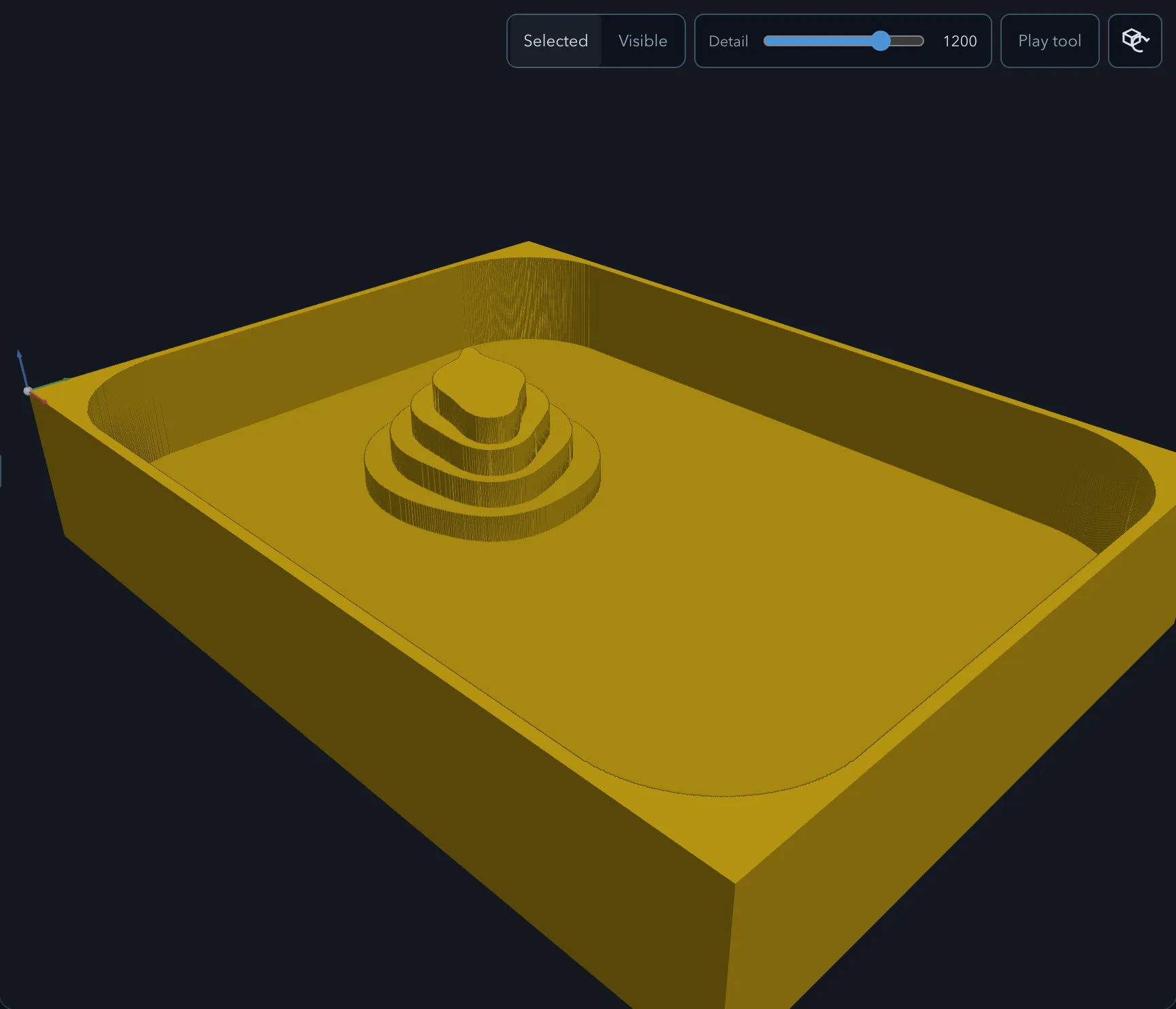
Surface clean machines the flat top of closed add or model features around taller add features. Use it for pads, terraces, and stepped surfaces rather than as a substitute for an outside contour cut.
Requirements
Section titled “Requirements”| Requirement | Value |
|---|---|
| Target features | Closed add or model features; optional closed regions filter the cut |
| Tool | Flat or ball endmill |
| Passes | Rough or Finish |
Parameters
Section titled “Parameters”Shared settings are documented in Common operation parameters.
| Parameter | Description |
|---|---|
| Pattern | Chooses Offset, Seeded circles, Parallel, or Trochoidal clearing. |
| Angle | Sets the direction of parallel passes. |
| Finish walls and Finish floor | Control which finishing surfaces are cut on a finish pass. |
| Stock to leave radial and Stock to leave axial | Reserve material for a later finish pass. |
Strategies
Section titled “Strategies”Surface clean offers Offset, Seeded circles, Parallel, and Trochoidal clearing. See Clearing patterns, Seeded-circle clearing, and Trochoidal cutting.
Verifying the result
Section titled “Verifying the result”Related pages
Section titled “Related pages”- Pocket: clear a closed subtract area instead.
- Choosing an operation: compare compatible feature roles.