Rest machining
How it works
Section titled “How it works”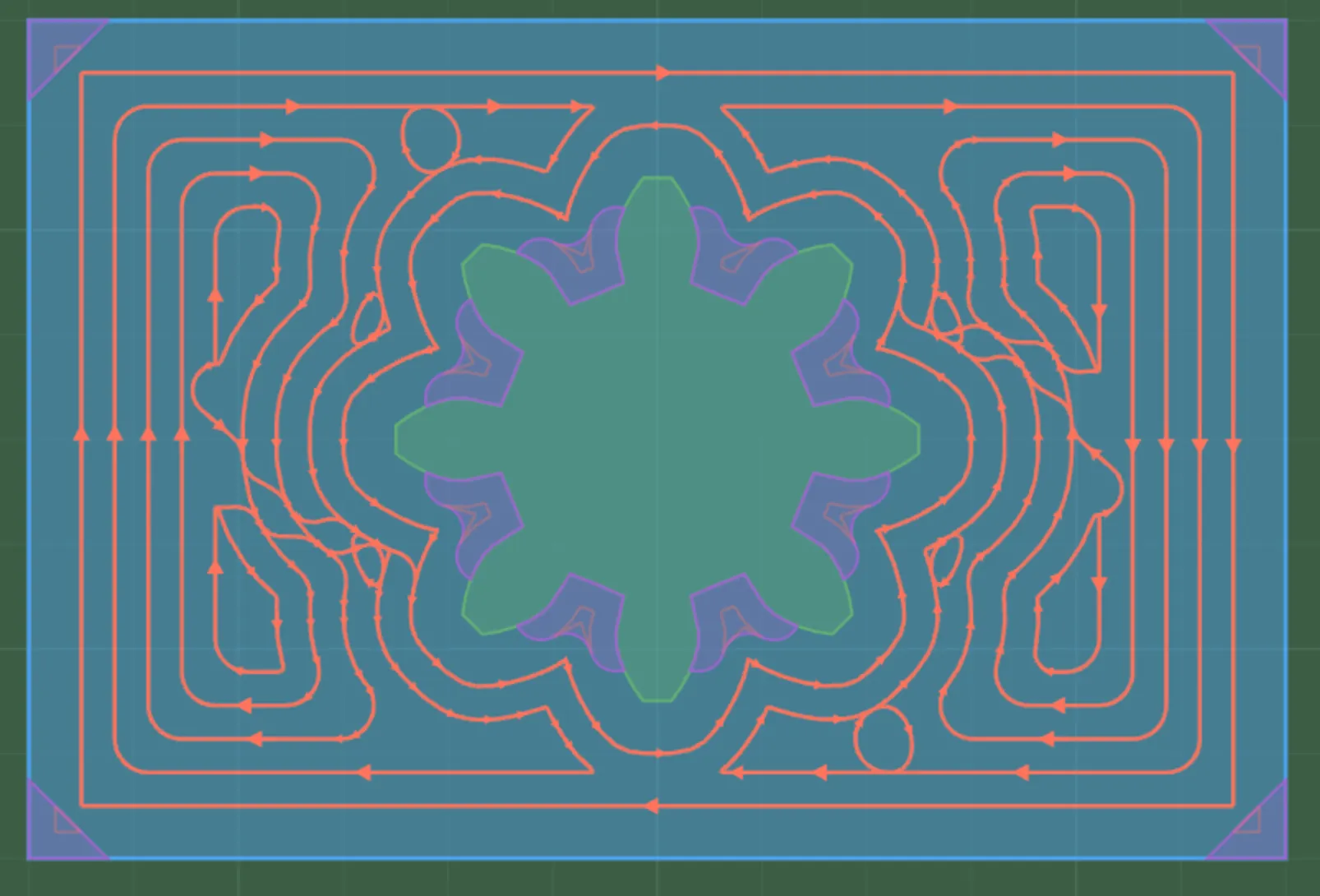
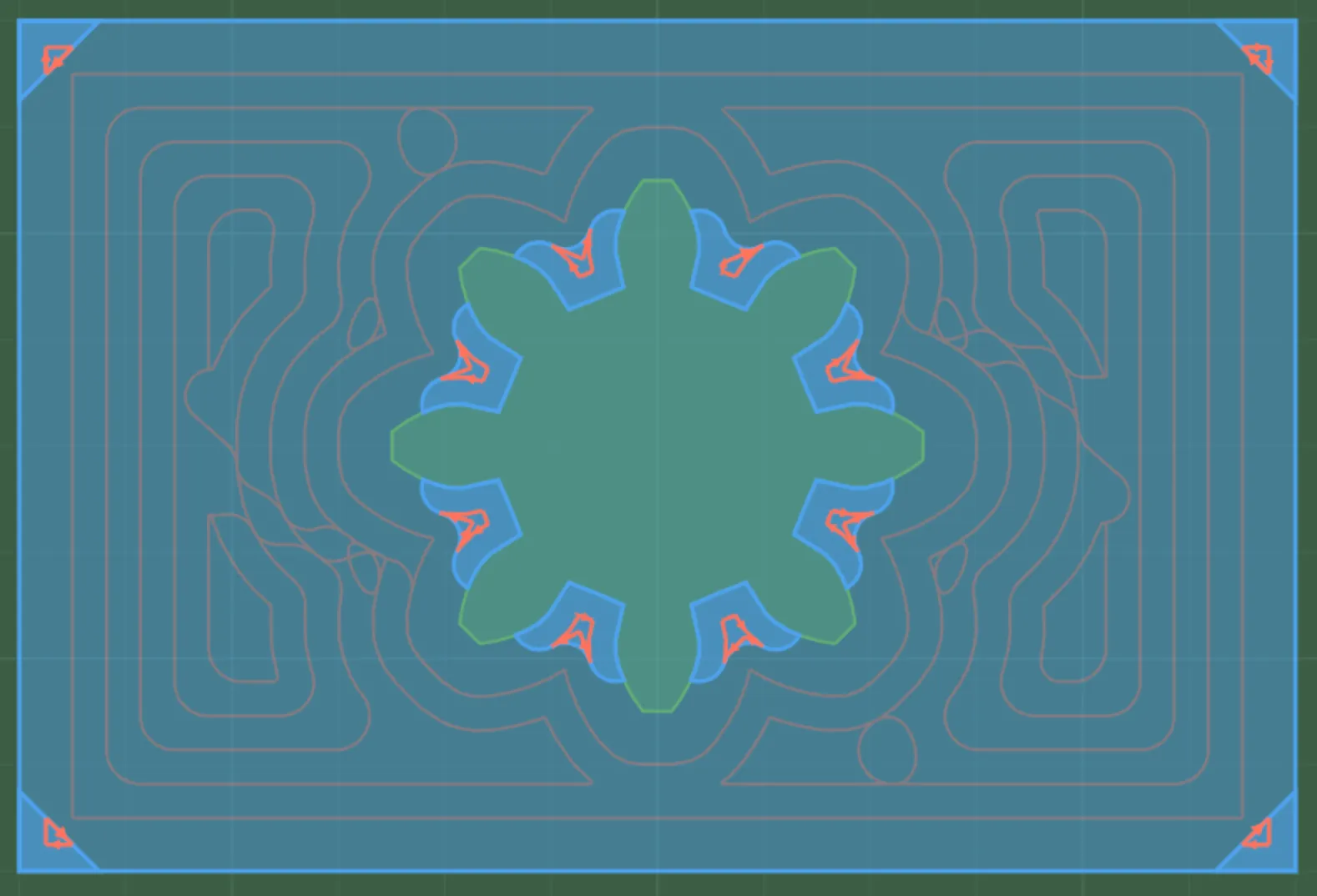
Rest machining is a workflow: rough the pocket with a larger tool first, then make a second rough operation with a smaller tool. Apply Regions to that second operation so it cuts only the areas the larger tool could not reach, instead of cutting the whole pocket again.
You can draw those Regions yourself when you know exactly which areas need the smaller tool. For a compatible Pocket or edge-route source operation, Create rest operation can derive the leftover areas automatically. It creates rest-region features and a related follow-up operation; choose the smaller tool and review it before generating the path.
Where it applies
Section titled “Where it applies”| Workflow | Where to find it |
|---|---|
| Automatic rest regions from Pocket | What it cuts > Rest machining |
| Automatic rest regions from inside or outside edge route | What it cuts > Rest machining |
| Manually created Regions | Limit a compatible 2.5D or 3D follow-up operation in What it cuts |
Settings
Section titled “Settings”The generated rest operation inherits compatible settings and targets, includes the new rest regions, and starts without a selected tool. Select the smaller tool and review all inherited depth and feed settings before generating it. The same region-limited approach works for compatible 2.5D and 3D operations: the region defines where the follow-up cuts; the selected operation and tool define how it cuts there.
Limitations
Section titled “Limitations”Related pages
Section titled “Related pages”- Regions: create the manual limit for a smaller-tool 2.5D or 3D follow-up.
- Tool library: add the smaller follow-up tool.
- Working with operations: review the generated operation in the list.