3D surface rough
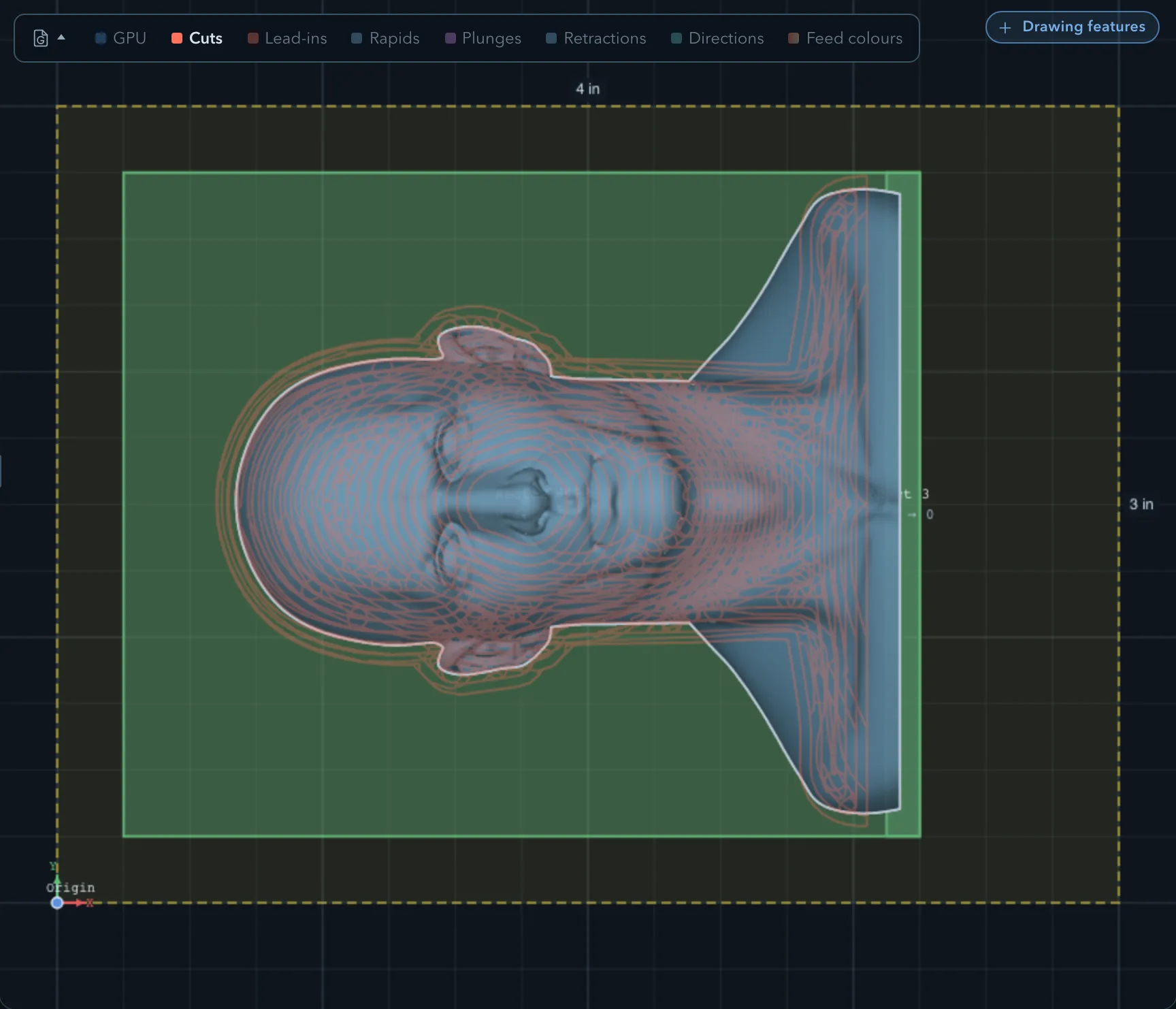
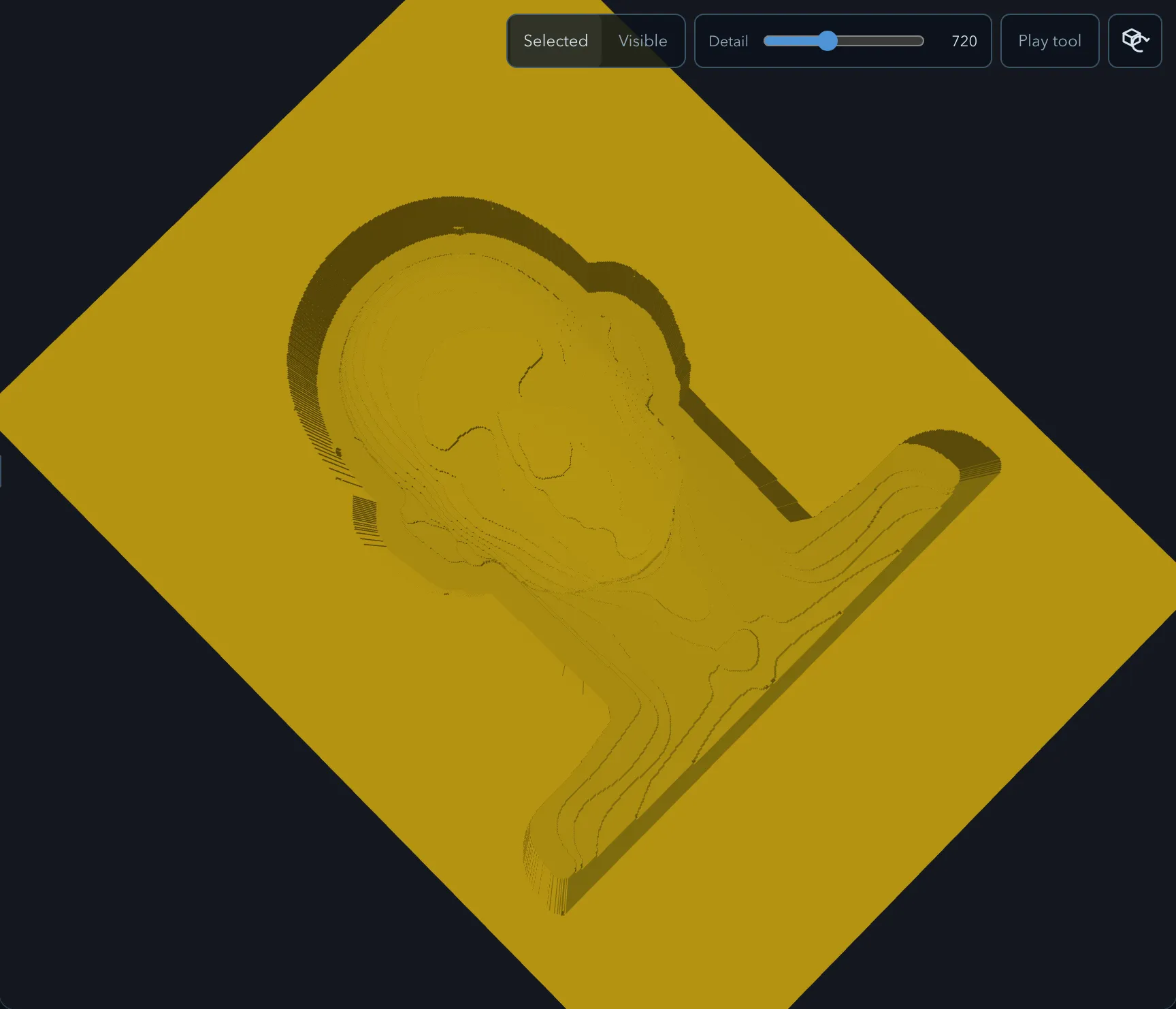
3D surface rough removes bulk material from one or more imported models in horizontal levels. Select several models to rough them together as one surface. Use it before 3D surface finish when the model needs a controlled roughing pass rather than a 2.5D pocket.
Requirements
Section titled “Requirements”| Requirement | Value |
|---|---|
| Target features | One or more 3D model features; regions can limit the cut |
| Tool | Flat or ball endmill |
| Passes | Rough only |
Parameters
Section titled “Parameters”Shared settings are documented in Common operation parameters.
| Parameter | Description |
|---|---|
| Pattern | Chooses Offset, Seeded circles, Parallel, or Trochoidal coverage at each level. |
| Stepdown | Sets the vertical distance between roughing levels. |
| Stock to leave radial and Stock to leave axial | Leave wall or floor material for surface finishing. |
| Finish walls and Finish floor | Control the optional finishing work on eligible surfaces. |
Strategies
Section titled “Strategies”The roughing patterns are described in Clearing patterns, Seeded-circle clearing, and Trochoidal cutting. It also supports entry and exit moves and feed reduction.
Limitations
Section titled “Limitations”The operation protects the selected models’ cross-sections and retained 2.5D material instead of simply cutting every horizontal band. Imported models that are not targeted and 2.5D add features remain protected from their top down, including levels below their bottom. Roughing does not clear underneath a neighbouring part whose bottom sits above the cut. Nearby features, regions, clamps, and tabs can therefore split or omit a pass. Review the warnings and the preview rather than assuming each level is continuous.
Verifying the result
Section titled “Verifying the result”Related pages
Section titled “Related pages”- 3D surface finish: finish the model after roughing.