Edge route outside
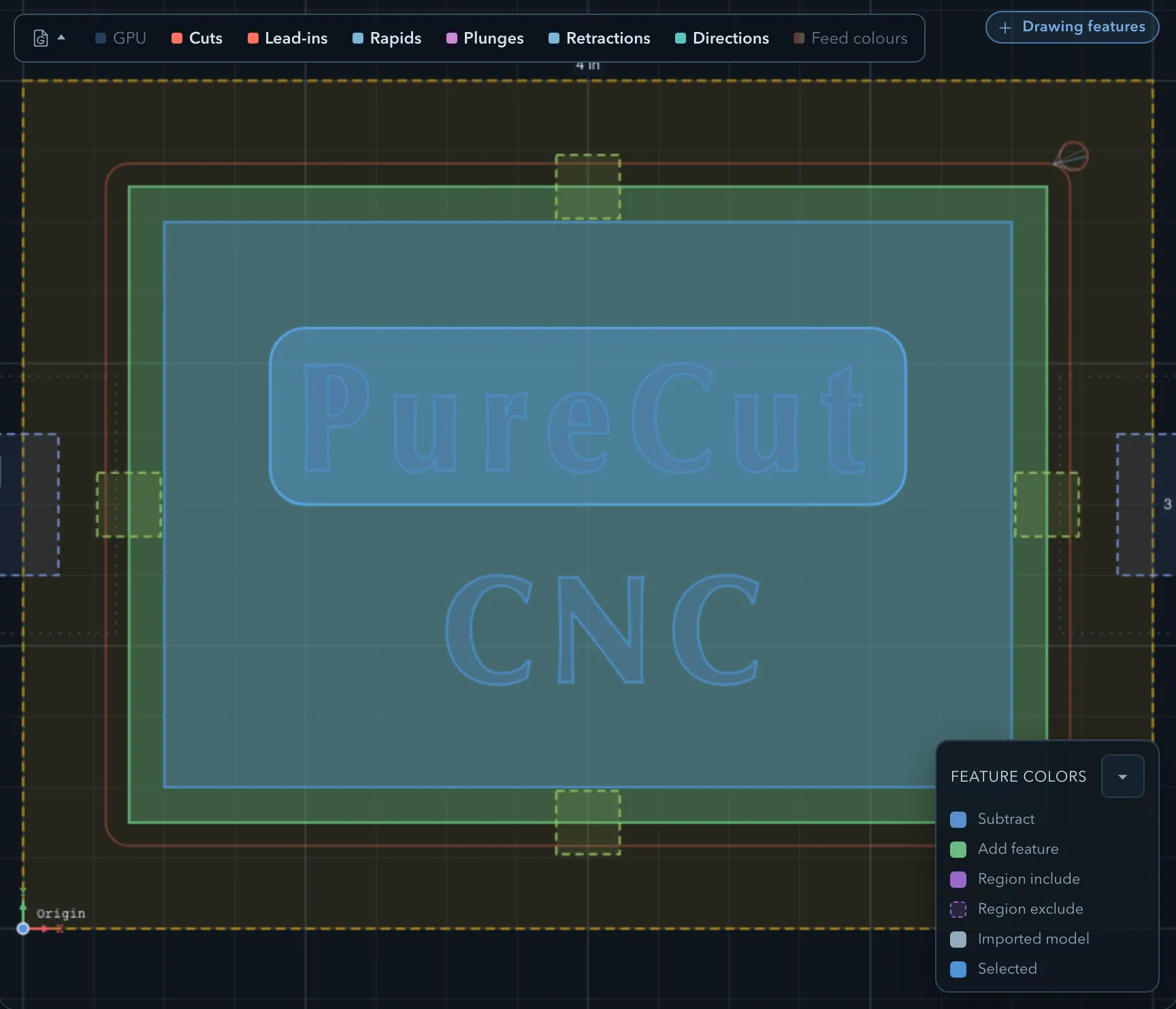
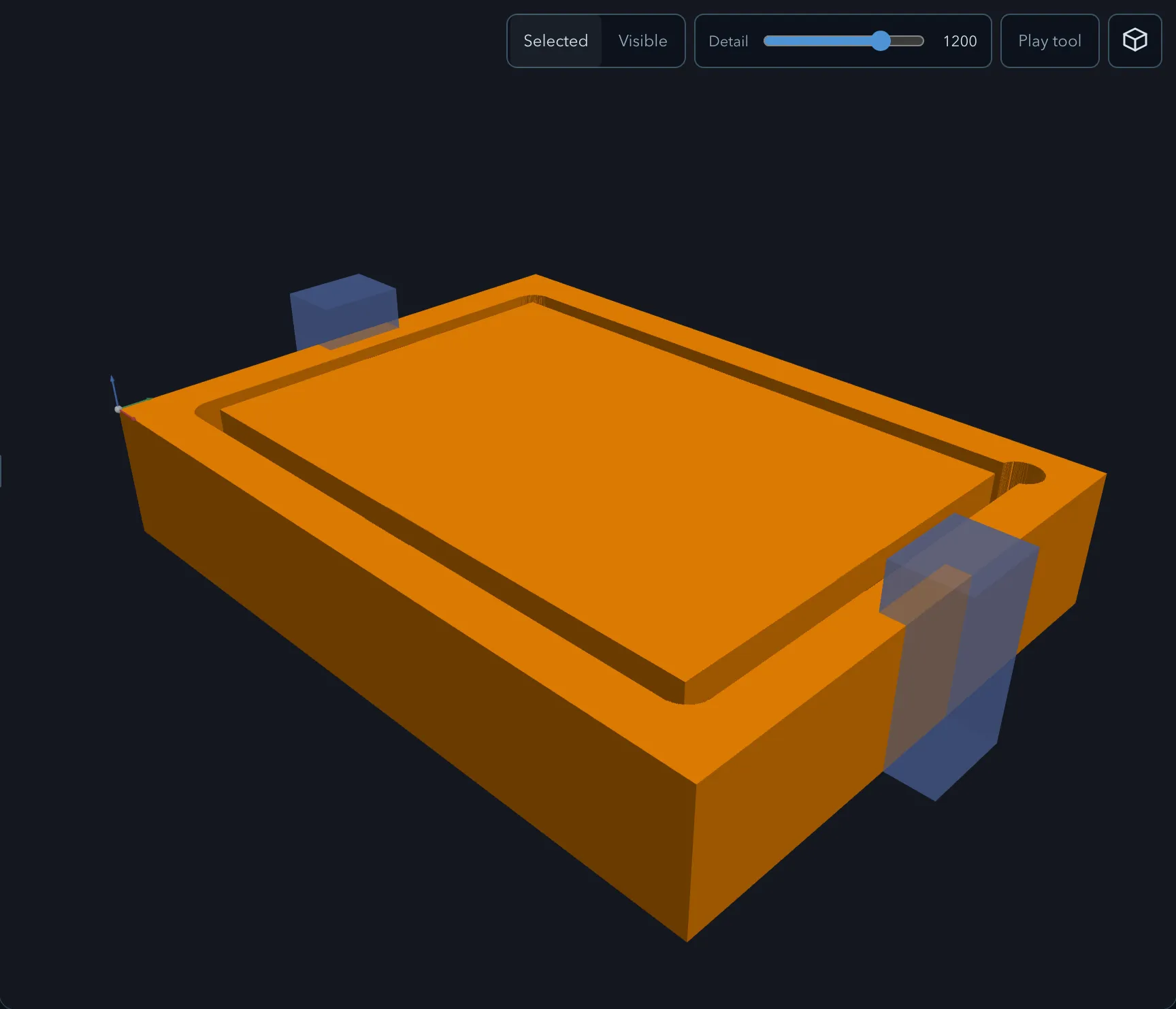
Edge route outside follows the outside edge of a closed add or model profile, offset by the tool radius. It can also route around the add islands enclosed by a Subtract outline text feature. It is the normal operation for separating a finished part from surrounding stock.
Requirements
Section titled “Requirements”| Requirement | Value |
|---|---|
| Target features | Closed add or model features, or Subtract outline text with enclosed add islands; regions are supported by contour routing only |
| Tool | Flat or ball endmill |
| Passes | Rough or Finish |
Parameters
Section titled “Parameters”Shared settings are documented in Common operation parameters.
| Parameter | Description |
|---|---|
| Strategy | Uses a contour, or a Trochoidal rough pass that leaves stock for contour finishing. |
| Tabs | Associates the tab set that retains the part during the final cut. |
| Stock to leave radial | Reserves material for the finish contour. |
| Rest machining | Creates a follow-up operation for material the selected tool cannot reach. |
Strategies
Section titled “Strategies”Rough passes can use Contour or Trochoidal routing; finish passes always use a contour. For multiple selected targets, each depth follows the joint outline of the targets being cut at that level, including targets with different top and bottom levels. Rough passes step from the highest top to the deepest bottom and include each target’s bottom. Finish passes cut each target at its own bottom. See Trochoidal cutting.
Limitations
Section titled “Limitations”For Subtract text, the route follows only the enclosed add islands, not the outer letter outlines. See Machining text before selecting the target.
Other parts, including another target of the same route when it is not being cut at that level, keep the cutter out at every depth below their top. A wall that can only be reached by cutting under a neighbouring part is left uncut and reported as blocked by parts. Check the remaining wall and the machining order instead of assuming the route reaches every edge.
The route keeps the cutter clear of neighbouring parts’ retained material. A part inside another part’s hole or a letter counter can be routed when there is enough cutter clearance; the opening is not treated as solid material. A nearby sharp corner does not by itself stop the route if the cutter fits past it.
If neighbouring material blocks part of the contour, the toolpath reports Outside route around … was kept clear of neighbouring parts — part of its outline is left uncut. The part may remain attached there. Adjust the layout or tool, regenerate, and inspect the remaining outline; a partial route is not a complete separating cut.
Verifying the result
Section titled “Verifying the result”Confirm the tool stays on the outside of the intended contour, preserves each tab, and does not conflict with clamps or the planned machining order. For a nested layout, inspect each part’s route and entry, including parts placed inside holes. Check warnings for uncut outline sections before assuming a part will separate.
Related pages
Section titled “Related pages”- Tabs: create and inspect retaining bridges.
- Clamps and clearances: check the workholding setup.